How to Test Your WordPress Backup Before Restoring
Restoring a broken backup can cause more damage than good. Learn how to test your WordPress backup before restoring to ensure your data is safe and restorable.
Restoring a broken backup can cause more damage than good. Learn how to test your WordPress backup before restoring to ensure your data is safe and restorable.
Restoring a WordPress site from a backup doesn’t have to be stressful. This guide walks you through file and database restoration using FTP, phpMyAdmin, plugins, and cPanel.

A failed WordPress restore can leave your site broken. Learn the common causes and step-by-step fixes to get back online fast.

Backing up a WordPress multisite network requires special care—standard single‑site methods often miss subsites or shared tables. This guide covers manual and automated approaches to keep your entire network safe.
A practical guide to backing up your WordPress site without using any plugin. Covers both SSH command-line and cPanel methods for database and file backups.

A complete WordPress migration backup checklist to ensure you back up every critical component before moving your site. Follow these steps to avoid data loss and downtime.

WordPress backups seem simple, but small mistakes can cost you your site. Learn the five most common errors and how to fix them before disaster strikes.

Your WordPress database holds every post, page, comment, and setting. This guide covers manual backups via phpMyAdmin, automated backups with plugins, and essential tips to keep your data safe.
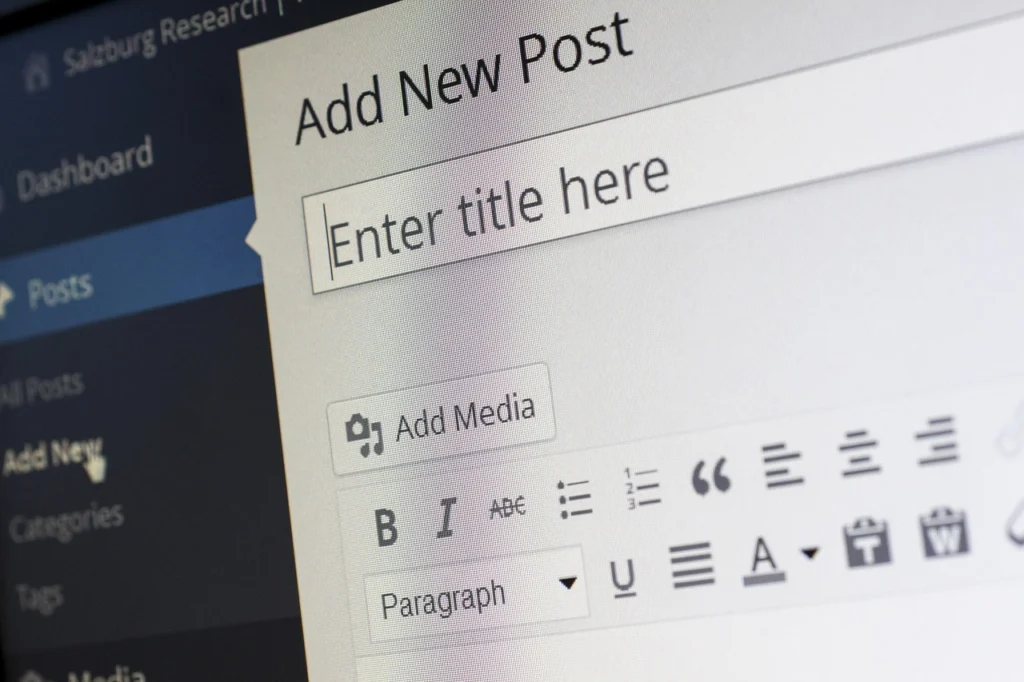
Not sure whether to rely on manual backups or an automated plugin? This guide breaks down the trade-offs of each approach and helps you pick the right method for your WordPress site.

Backing up a WooCommerce store isn’t just about files and database — you need to preserve product data, order history, and customer accounts. This guide walks you through the best methods for a complete WooCommerce backup.